
Blog
What is an MTP Loopback? Ultimate Easy Guide to Fiber Testing

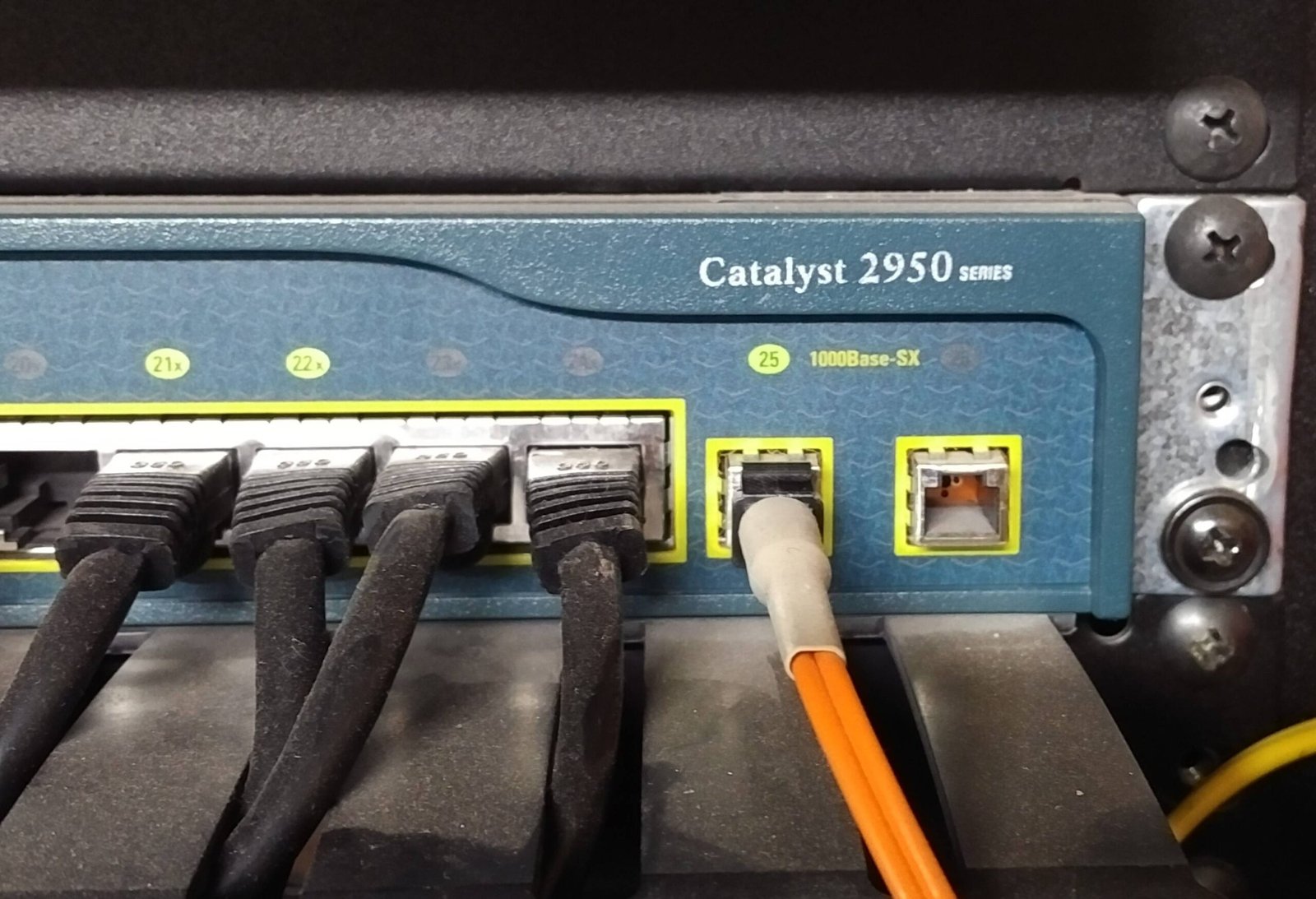
Have you ever wondered how big computer networks check their own health? They use a tiny but powerful tool called an MTP loopback. Imagine sending a letter to yourself just to see if the mail system works. That is exactly what this clever device does for fiber optic cables. It takes a light signal that is going out and loops it right back into the same machine. This helps network engineers test if the system can send and receive data without any mistakes.
Using an MTP loopback is one of the easiest ways to find hidden network problems. If the light signal comes back strong, your equipment is working perfectly. If the signal is weak or missing, you know exactly where to look for the error. It saves a lot of time because you do not have to check miles of cable. You can just test the port right in front of you.
Many people call this a fiber optic loopback tester. It acts like a mirror for light beams. In large data centers, these small tools are everywhere because they keep the internet running fast. Without them, finding a broken connection would be like searching for a needle in a haystack.
How Fiber Optic Cables Send Light Signals Fast
To understand an MTP loopback, we first need to look at fiber optic technology. Regular wires use electricity to move data. Fiber optic cables use bright pulses of light instead. These light beams travel through tiny strands of pure glass. Because light moves incredibly fast, these cables can carry massive amounts of internet data in a single second.
Inside every cable, you have channels for sending data and channels for receiving data. Think of it like a two-way highway. One lane goes north, and the other lane goes south. If either lane has a roadblock, traffic stops. In a network, a roadblock means your video freezes or your website will not load.
An MTP loopback connects the highway lanes together at the very end. It bonds the send lane to the receive lane. This creates a closed circle. Testing this circle tells engineers if the highway is clean and safe for data traffic before they connect the real users.
The Difference Between Single Cables and Multi-Fiber Connections
In the old days, fiber cables only held one or two strands of glass. Those are called simplex or duplex cables. They work great for small homes or quiet offices. But big tech companies need something much stronger. They use special cables that bunch many glass fibers together into one single sleeve.
This is where the MTP loopback becomes super useful. The letters MTP stand for a special type of high-density connector. One single MTP plug can hold 8, 12, 24, or even 72 fibers at the exact same time. It is like replacing a single water pipe with a massive tunnel that holds dozens of pipes.
Because there are so many fibers inside, testing them one by one would take all day. An MTP loopback tests all the fibers inside the plug at the exact same moment. It makes the testing process incredibly fast and keeps the network setup neat and tidy.
Key Technical Specifications of Loopback Tools
MTP Loopback Quick Reference Data
| Feature | Common Specification Details |
| Fiber Counts | 8, 12, 24, or 48 fibers |
| Fiber Modes | Single-mode (OS2) or Multi-mode (OM3, OM4, OM5) |
| Connector Type | MTP (Female or Male with pins) |
| Common Color Codes | Aqua (OM3/OM4), Lime Green (OM5), Yellow (OS2) |
| Main Function | Network loop testing and equipment verification |
How an MTP Loopback Performs a Network Self-Test
When you plug an MTP loopback into a network switch, a neat trick happens. The switch turns on its laser lights to send data out. The light travels through the connector and hits the loopback device. Inside the device, the glass fibers are bent into precise loops.
These loops guide the light right back around into the receiving ports of the exact same switch. The switch then reads the returning light. It checks to see if any bits of data were lost during the quick trip. If everything matches perfectly, the switch enjoys a clean bill of health.
I remember helping a local school fix their slow internet last year. We used an MTP loopback on their main switchboard. Within two minutes, the tester showed that the switch itself was fine, but a long wall cable was pinched. It saved us hours of guessing and stressful troubleshooting.
Choosing the Right Fiber Mode for Your Tester
You cannot just grab any random MTP loopback and plug it in. You must match the fiber mode of your network. There are two main types of fiber modes. The first type is single-mode fiber, which usually has a yellow jacket. It uses a single straight beam of laser light to travel very long distances.
The second type is multi-mode fiber, which often comes in aqua or lime green. Multi-mode fiber bounces multiple light paths inside the glass. It is perfect for shorter distances, like moving data inside a single building or room.
If you put a multi-mode MTP loopback into a single-mode system, the light will scatter and fail. Always check the color codes and labels on your gear before starting a test. Matching your tools correctly ensures your test results are completely accurate.
Understanding Male and Female MTP Connectors
MTP connectors come in two genders, and they must match up correctly to work. Male connectors have two tiny metal pins sticking out of the front. Female connectors have matching holes where those pins slide in perfectly. These pins ensure the microscopic glass fibers line up exactly right.
An MTP loopback is available in both male and female versions. If you are testing a patch cable that has pins, you need a female loopback device. If you are testing a wall panel or a switch port that has holes, you need a male loopback device.
Forcing the wrong connectors together can scratch or break the delicate glass tips. A tiny scratch can block the light signal completely. Always look closely at the alignment pins before you push the plug into place.
The Crucial Role of Polarity in Fiber Networks
Polarity is a fancy word for making sure the wire sending light connects to the wire receiving light. If you connect a transmitter to another transmitter, nothing works. It is like trying to talk into someone else’s mouth instead of their ear. Data needs a clear path from mouth to ear.
There are different polarity methods used in big data centers, usually called Type A, Type B, and Type C. An MTP loopback is built to match these specific paths. The loopback device routes fiber number 1 back to fiber number 12, or fiber number 2 back to fiber number 11.
Using the correct polarity in your MTP loopback ensures the test mirrors real-world conditions. If you use the wrong polarity tool, the switch will show an error even if the hardware is completely healthy.
How to Protect and Clean Your Loopback Tools
Fiber optic tools are amazing, but they are very sensitive to dust. A single speck of dust can block a light signal or cause permanent scratches. Whenever you are not using your MTP loopback, always keep the plastic dust cap firmly on the tip.
Before you plug the device into any machine, it is smart to clean the optical end-face. You can use a special fiber optic click-cleaner tool. This tool wipes away invisible oils and dust with a quick click. It keeps your signals clear and extends the life of your equipment.
Never touch the glass tips with your bare fingers. Your skin contains natural oils that leave smudges on the glass. Treat your loopback tester like a pair of expensive eyeglasses. Keep it clean, dry, and safely stored in a protective pouch.
Real World Benefits of Using Loopback Testers
Using an MTP loopback saves businesses a lot of money. When a network goes down, companies lose money every single minute. Sending a team of technicians to test every single inch of cable takes way too long. A loopback device isolates the problem instantly.
These tools are also great for testing new network setups before the grand opening. Engineers can simulate full data traffic using an MTP loopback to make sure the hardware can handle the stress. This prevents embarrassing crashes on day one.
They are also incredibly small and lightweight. A technician can easily carry five or six different loopback testers right in their pocket. This portability makes them a favorite tool for field engineers who travel to different data centers every day.
Summary of Best Practices for Network Testing
To get the best results, always follow a simple checklist when testing. First, verify that your MTP loopback matches the network speed and fiber type. Second, inspect and clean the connectors to prevent dust damage. Third, plug the device in gently until you hear a soft click.
Watch the status lights on your network equipment during the test. Green lights usually mean the loop is successful and data is flowing well. Red or blinking amber lights mean something is wrong with the path.
Once your testing is done, remove the tool carefully and replace the dust caps immediately. Following these basic steps protects your expensive network and gives you accurate answers every time. Testing does not have to be scary when you have the right tools.
Frequently Asked Questions
What does an MTP loopback actually do?
An MTP loopback routes outgoing light signals back into the same device. This creates a closed circuit that allows network hardware to test its own sending and receiving abilities.
Can I use a multi-mode loopback on a single-mode system?
No, you cannot mix them. Multi-mode and single-mode tools use different glass sizes and light types. Mixing them causes the light to scatter, which ruins the test.
Why do some MTP connectors have pins?
The pins are used on male connectors to align the glass strands perfectly with female connectors. This precise alignment prevents data loss and stops the glass from getting damaged.
How often do I need to clean my loopback tool?
You should clean your loopback tool every single time before you plug it into a device. Invisible dust particles can block light and scratch your expensive equipment.
What happens if I use the wrong polarity loopback?
If the polarity is wrong, the light will return to the wrong ports. The network switch will show a link error, making you think the equipment is broken when it is actually fine.
Is an MPO loopback the same as an MTP loopback?
They are fully compatible. MTP is a high-quality brand version of an MPO connector. They do the same job and fit into the same network slots.


Integrated Aquatic Protection: Evaluating Advanced Emergency Response Programs

Rachel Caesar: Biography, Background, Career, and Personal Life

US Teacher Appreciation Day 2025: Date, History, Ideas, and Ways to Celebrate

Gareth Varey: The Architect of Modern Artist Management

Liza Tarbuck Illness: Health, Career, and Public Awareness

Jeffrey Donaldson Daughter Claire: Family Life, Privacy, and Personal Influence
-
 Fashion9 months ago
Gareth Varey: The Architect of Modern Artist Management
-
 CALEBRITIES9 months ago
Liza Tarbuck Illness: Health, Career, and Public Awareness
-
 Politics8 months ago
Jeffrey Donaldson Daughter Claire: Family Life, Privacy, and Personal Influence
-

 Entertainment9 months ago
Alice Bhandhukravi Illness: Separating Fact from Rumor and Understanding Her Health Status
-

 Business9 months ago
son simon now simon anthony blackburn: From Celebrity Son to Private Life
-

 Politics9 months ago
Piers Pottinger: A Comprehensive Profile of a PR and Corporate Communications Veteran
-

 Sports9 months ago
Desislava Bozhilova Married: Exploring Public Curiosity and a Strongly Guarded Private Life
-

 Entertainment9 months ago
Is Alice Bhandhukravi Married? A Complete Look at Her Personal Life and Career